
Phase 1 — Core Setup
Completed Feb 4, 2025
Laid the foundation for a desktop DAW app with AI assistance:
-
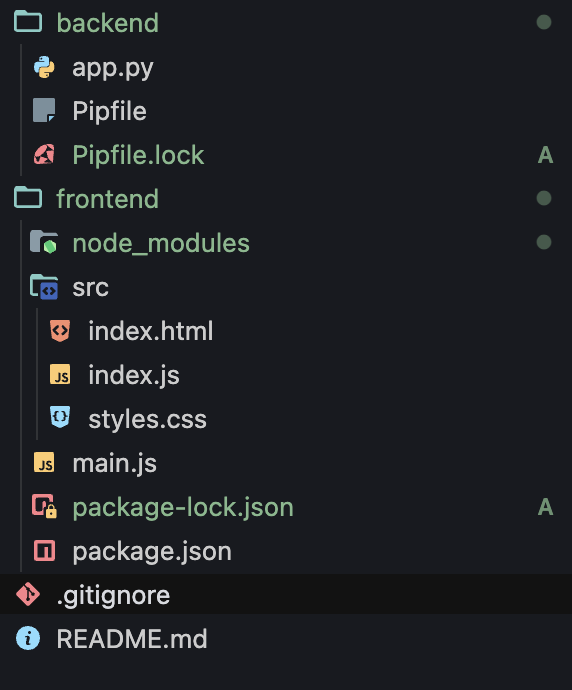
Created project root with
pipenvvirtual environment for the backend. -
Initialized an Electron + npm frontend folder, set up
main.jsand HTML shell. -
Wrote
app.pyto serve basic “Hello, World” JSON endpoints via Flask. - Verified communication: Electron UI → HTTP call → Flask response.
Result: A working skeleton where front‑ and back‑ends talk over HTTP.
Phase 2 — AI & Vite Frontend
Completed Feb 10, 2025
Enhanced the backend and spun up a modern React UI:
-
Switched backend from Pipenv →
venv, addedrequirements.txt. -
Installed FastAPI alongside Flask; replaced Flask run command with
uvicornfor ASGI. -
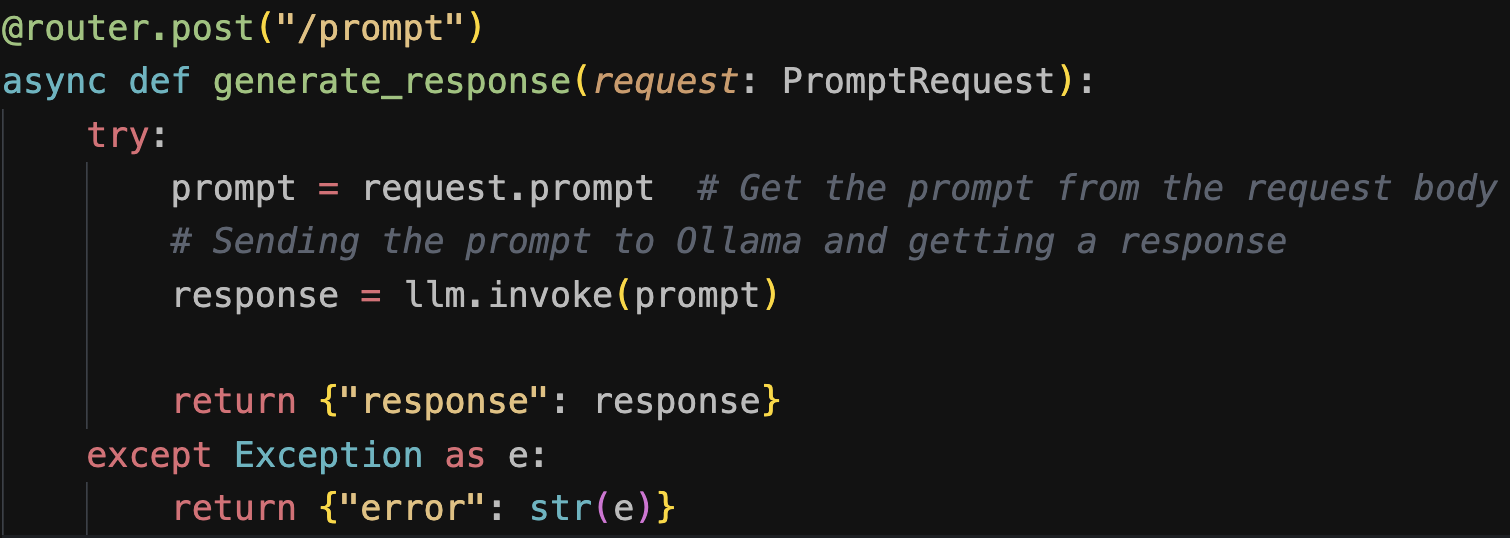
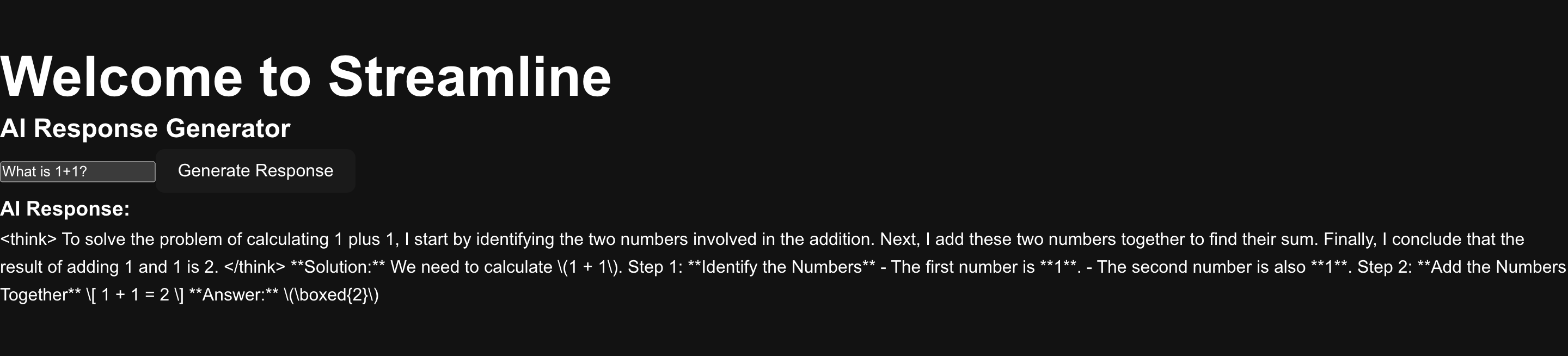
Imported Ollama & Deepseek models in Python; wrote
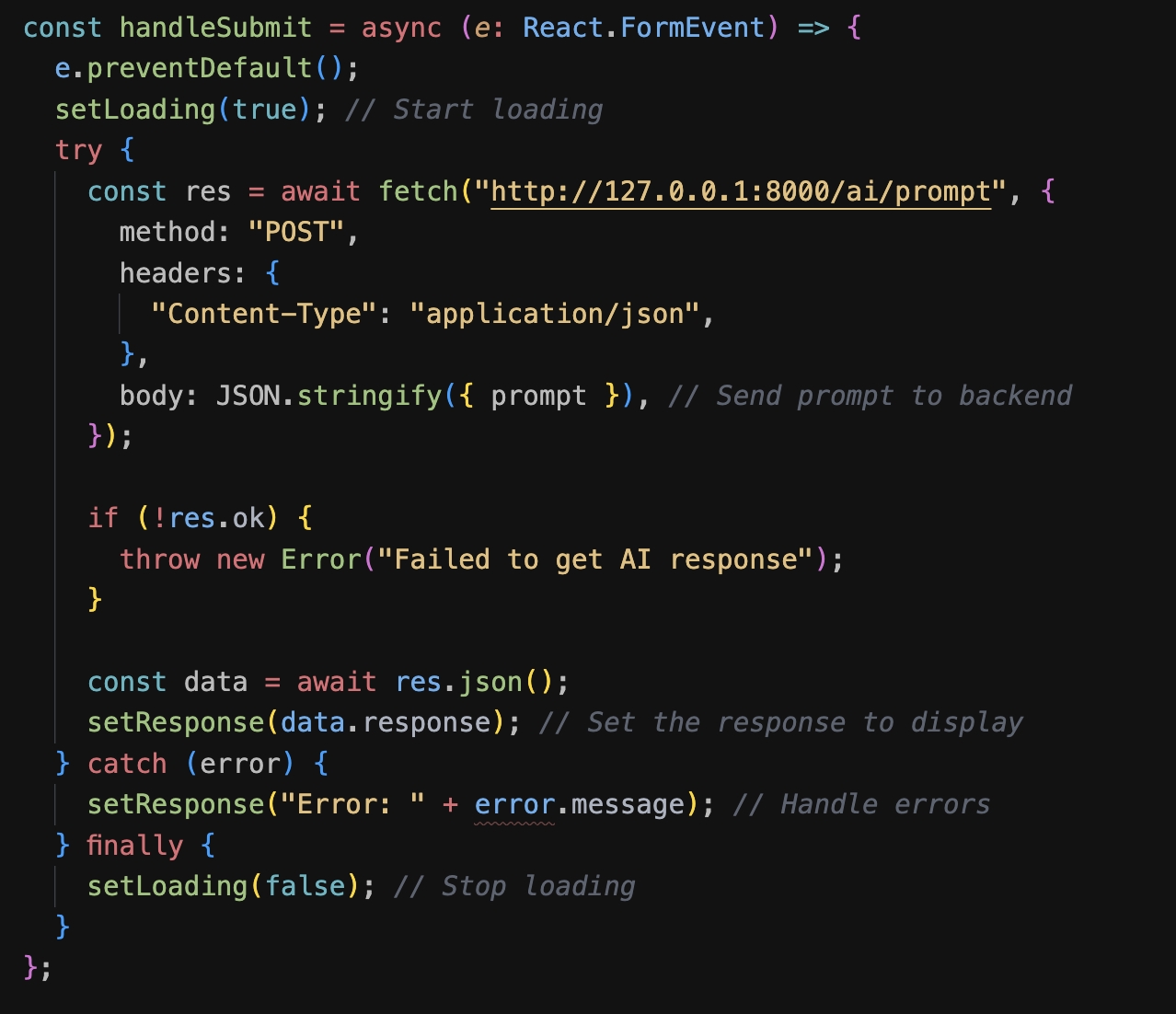
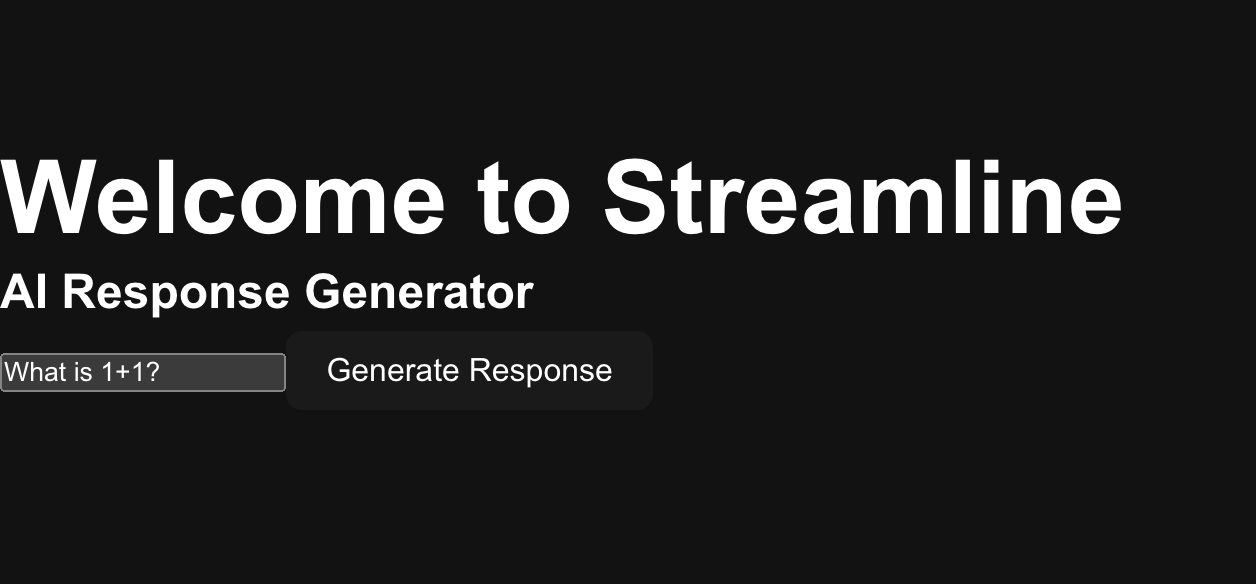
ai.pyto expose an/generateroute. - Generated a Vite + React app; built a simple chat interface to send prompts and display streaming responses.
- Tested full flow: UI → FastAPI → AI model → UI, with sample prompts and debug logging.
Phase 3 — DawDreamer Integration
Completed Feb 18, 2025
Integrated an open‑source AI plugin to speed up development:
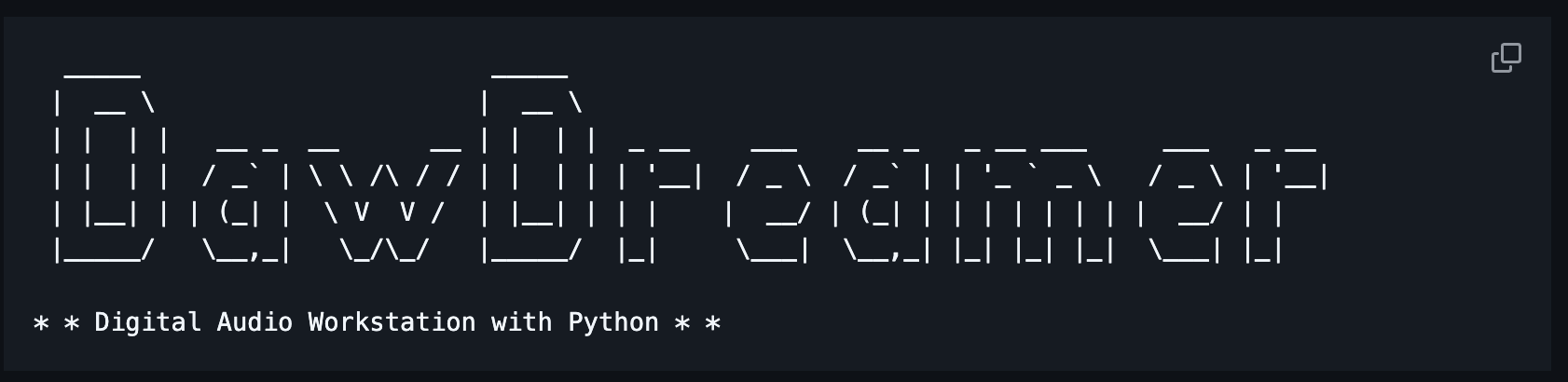
- Cloned DawDreamer into the project.
- Imported its .jucer file in Projucer and resolved missing module references.
- Fixed initial Xcode build errors by aligning plugin settings with JUCE recommendations.
Phase 4 — Build Troubleshooting
Ongoing
Focused on making the plugin reliably build and run:
- Tested with Xcode 15 and identified compatibility issues.
- Rolled back to Xcode 14, updated project’s C++ standard and header search paths.
- Consulted JUCE forums and Apple docs to fix linker errors.
-
Documented all fixes in a
BUILD_NOTES.mdfor future reference.

Phase 5 — JUCE Migration
Completed Feb 24, 2025
Shifted from web‑style app to a native audio plugin framework:
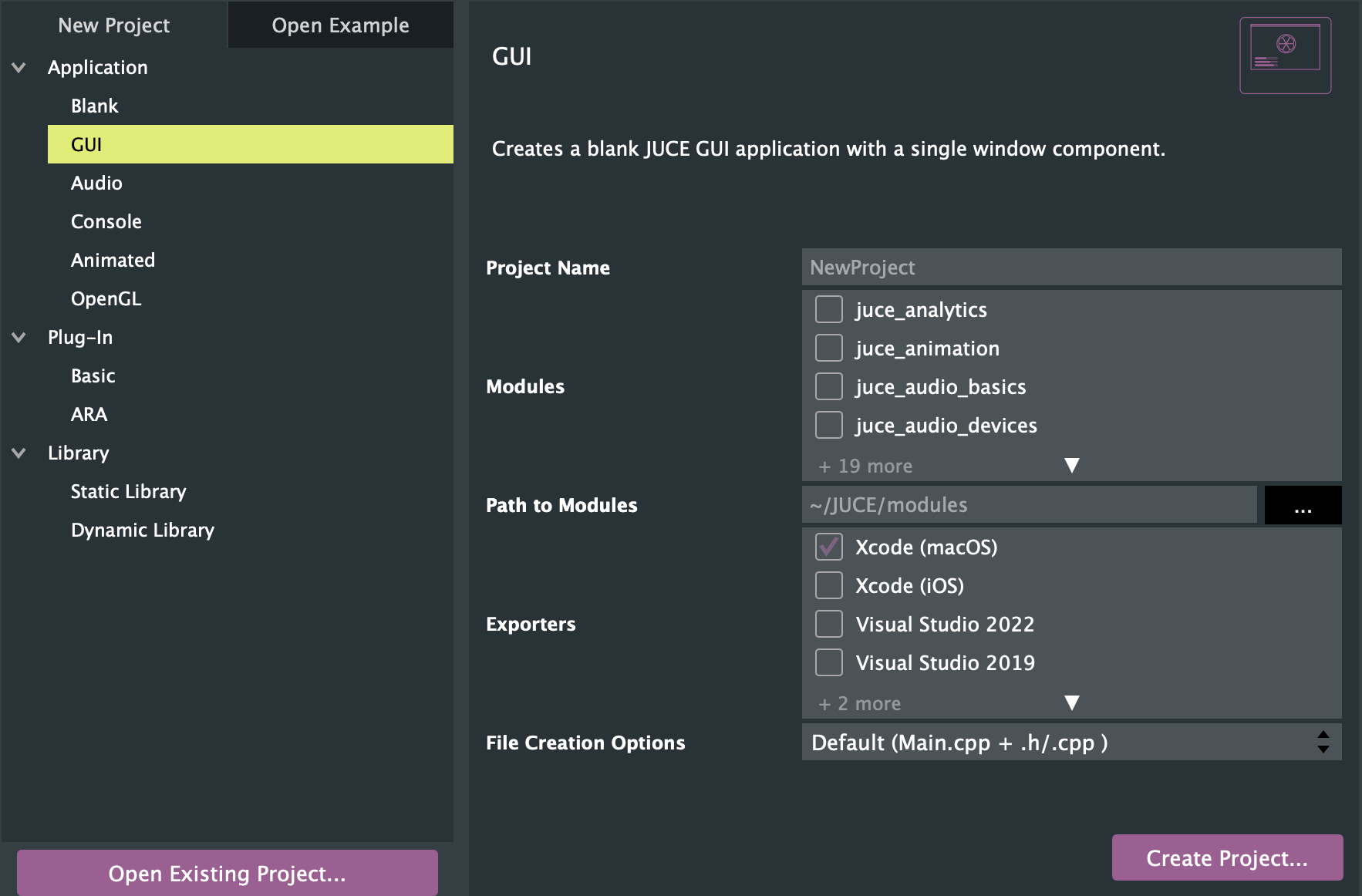
- Installed JUCE and launched Projucer to create a new C++ audio plugin project.
- Configured project settings for VST3 and AU formats.
- Copied over AI API code as a background thread in the plugin processor.
- Compiled minimal UI components to verify plugin loading in a DAW.
Outcome: A JUCE-based plugin scaffolding that can host AI integration.
Learn more at juce.com.
Phase 7 — UI & Music LM
Ongoing
Finalizing user interface and integrating cloud AI:
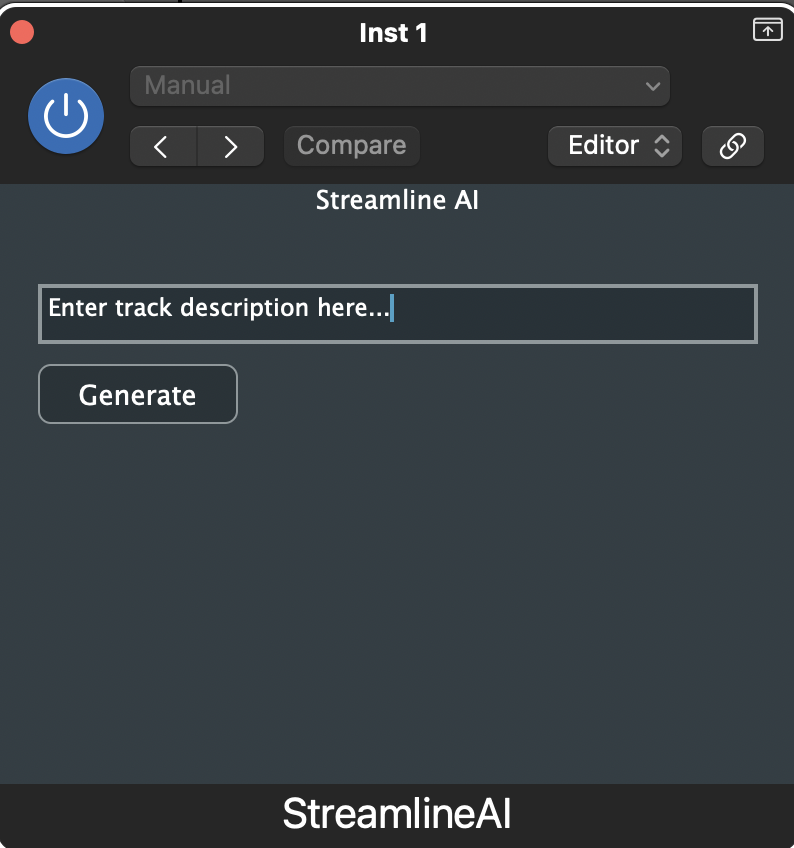
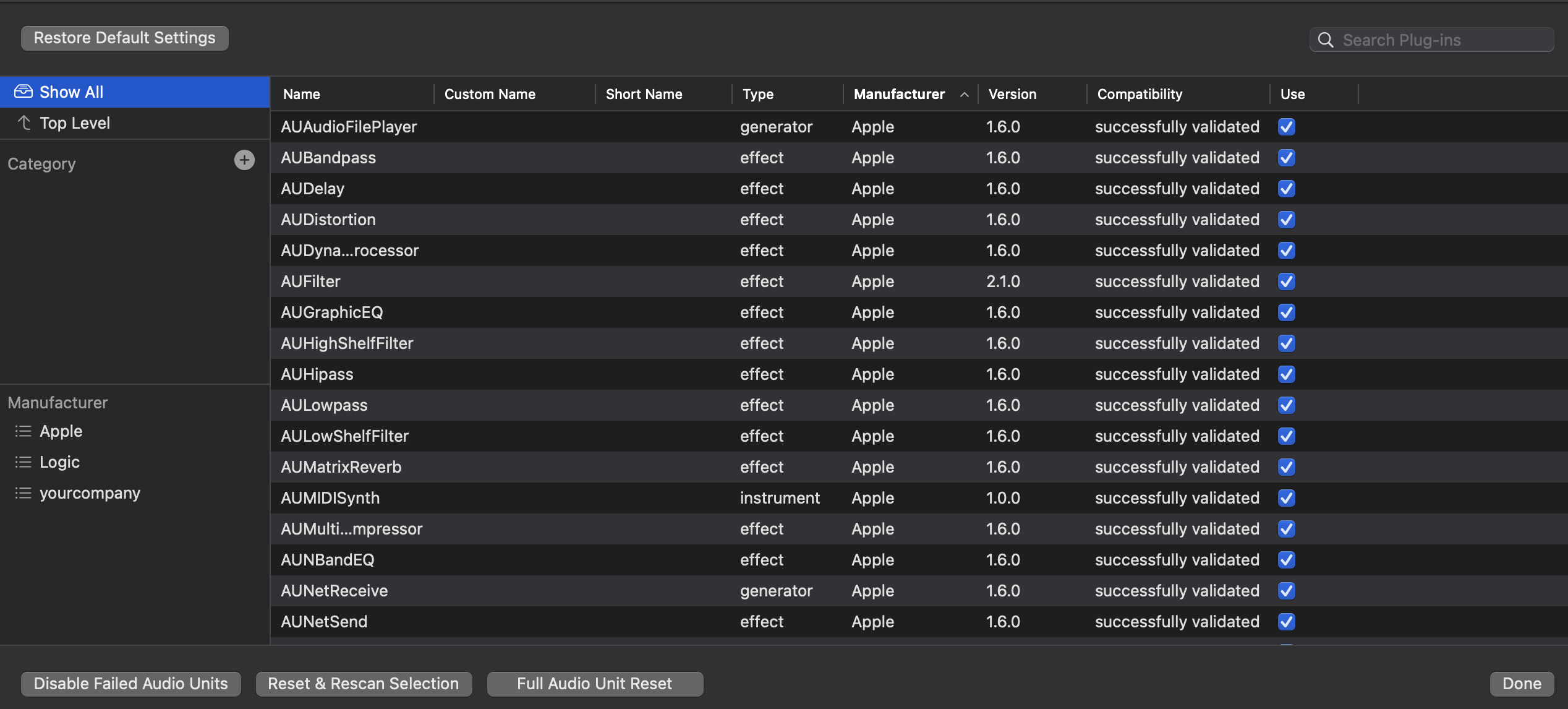
- Designed the final plugin UI in Logic Pro’s plugin manager.
- Integrated Google Music LM API calls inside a Python helper script.
- Implemented asynchronous communication between JUCE GUI and Python backend.
- Tested end‑to‑end generation of short audio clips from text prompts.
Current — Magenta Research
Ongoing
Investigating advanced AI models for music generation:
- Reviewed Google Magenta’s TensorFlow library and sample notebooks.
- Writing Python script to load Magenta’s MelodyRNN and DrumRNN checkpoints.
- Comparing resources: HuggingFace vs Google Magenta
- Make sure JUCE plug-in asks for the input that the AI models requre.
MVP — AI Audio Generator Plugin
April 2025
A plugin that uses an open source AI model to generate MIDI files from text input.
Goal: Convert user request data into a MIDI file.
Workflow:
- User opens the plug-in window: Attach "StreamlineAI" to a track in a DAW like Logic Pro or FL Studio.
-
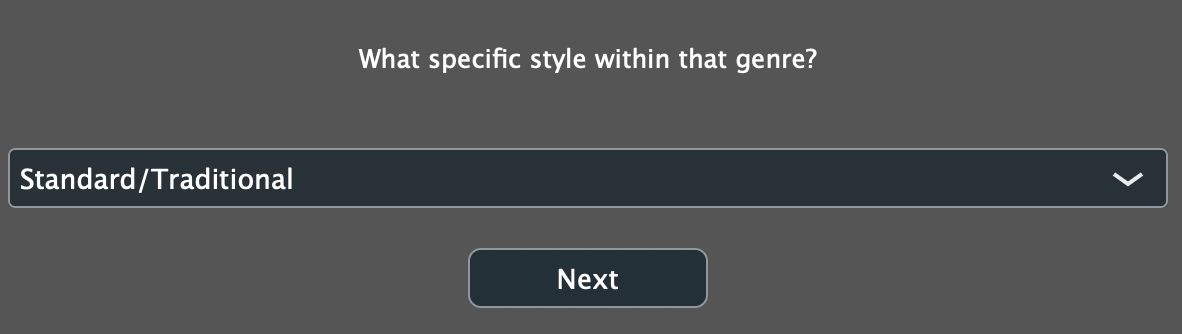
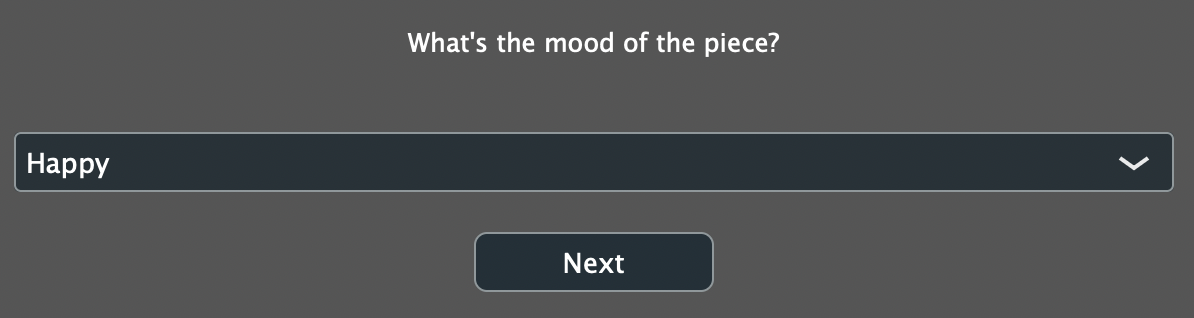
Interactive Questionnaire: The plugin guides the
user through 10+ questions:
- Tempo, measures, key, and time signature.
- Instrument choice, genre, mood, and style.
- Rhythm complexity and melodic range.
-
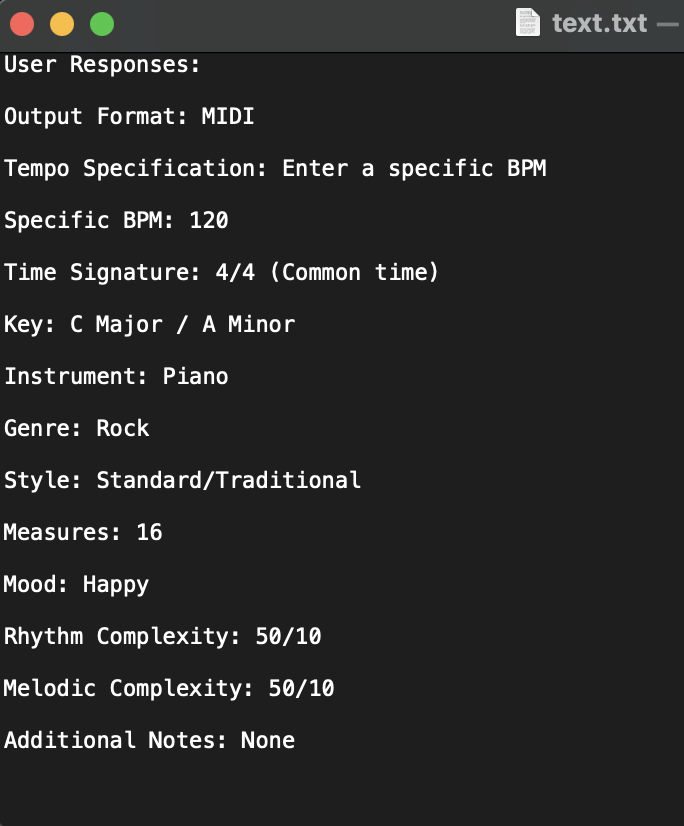
Data Transfer: Collected input is placed on a text
file.
-
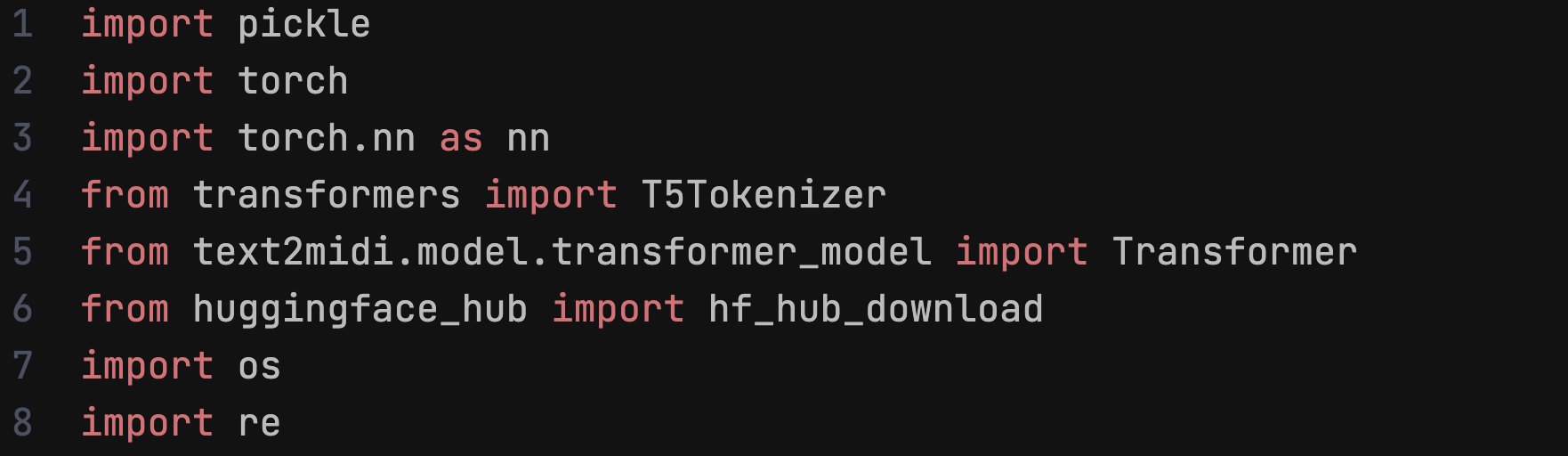
Python Processing: The backend (a Python Script)
uses an open source HuggingFace model "text2midi" to produce MIDI by accessing,
formatting, and sending the text in the text file.

-
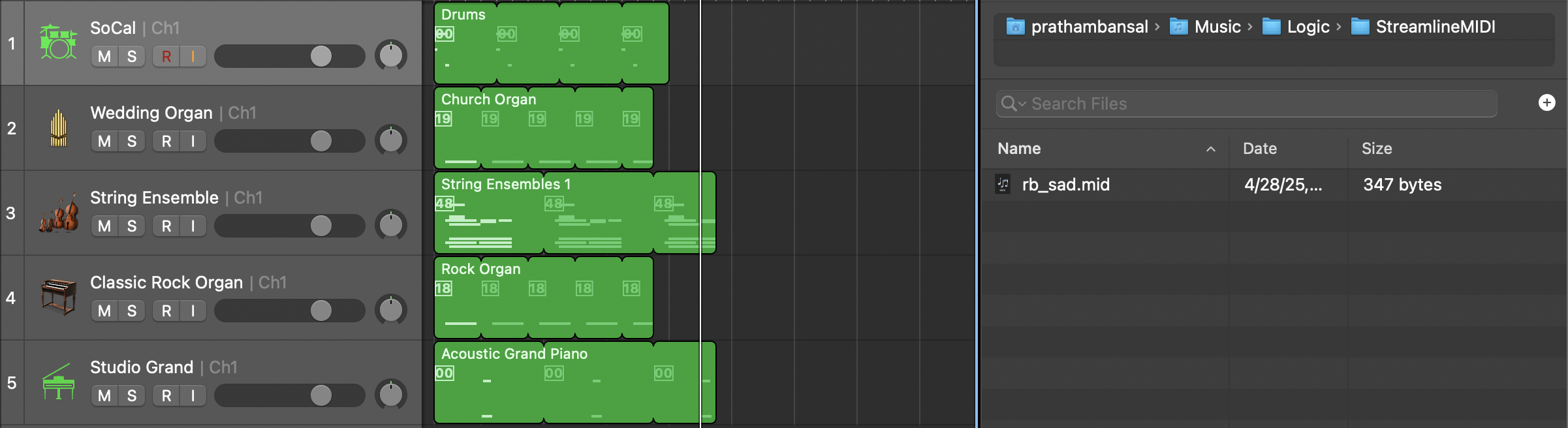
Output
- MIDI File: A MIDI file with the generated melody.
-
Final Step:
- User imports the .mid file into their DAW’s piano roll.
Acknowledgements
This project utilizes the text2midi library. We would like to acknowledge the authors of the following work:
@inproceedings{bhandari2025text2midi,
title={{text2midi: Generating Symbolic Music from Captions}},
author={{Keshav Bhandari and Abhinaba Roy and Kyra Wang and Geeta Puri and Simon Colton and Dorien Herremans}},
booktitle={{Proceedings of the 39th AAAI Conference on Artificial Intelligence (AAAI 20)}}
View the GitHub here: https://github.com/AMAAI-Lab/Text2midi